Getting Started
Quick Start
Download the toolbox
Download the Buffer Analysis Tool from my GitHub release.
For the source code, please refer to the GitHub repository. Feel free to explore, contribute, or report issues.
Unzip the Buffer Analysis Tool
Unzip the Buffer Analysis Tool to any location of your choice. It is recommended to place it in the root folder of your ArcGIS Pro project for convenience, as shown in the figure below.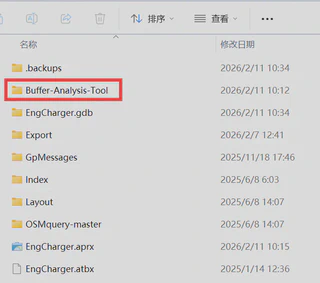
Open tookbox in ArcGIS
It may take a few seconds to initialize the toolkit when you first open it.
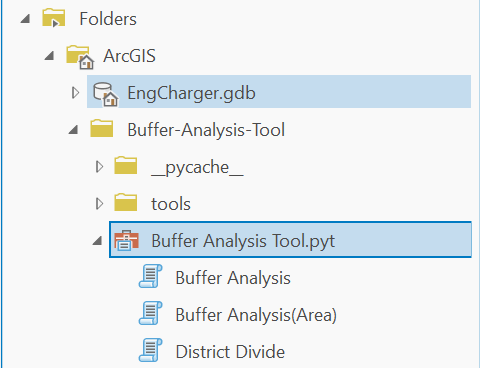
There are three scripts in the toolbox:
- Buffer Analysis: the main script for performing buffer analysis.
- Buffer Analysis (Area): a specialized script that performs buffer analysis based solely on the buffer area.
- District Divide: an auxiliary script that divides POIs by polygon for buffer analysis.
Note
ArcGIS Pro may warn you that opening a Python toolbox runs third-party code. Simply click “Yes” to proceed.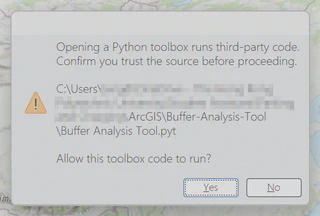
Next
The following sections will describe the specific usage of these scripts: